
How to Access and Use Sportybet in Nigeria
🎯 Learn how to log into Sportybet safely in Nigeria, manage your account, fix login issues, explore features on mobile or desktop, and bet responsibly today!
Edited By
Omolabake Oyebanjo
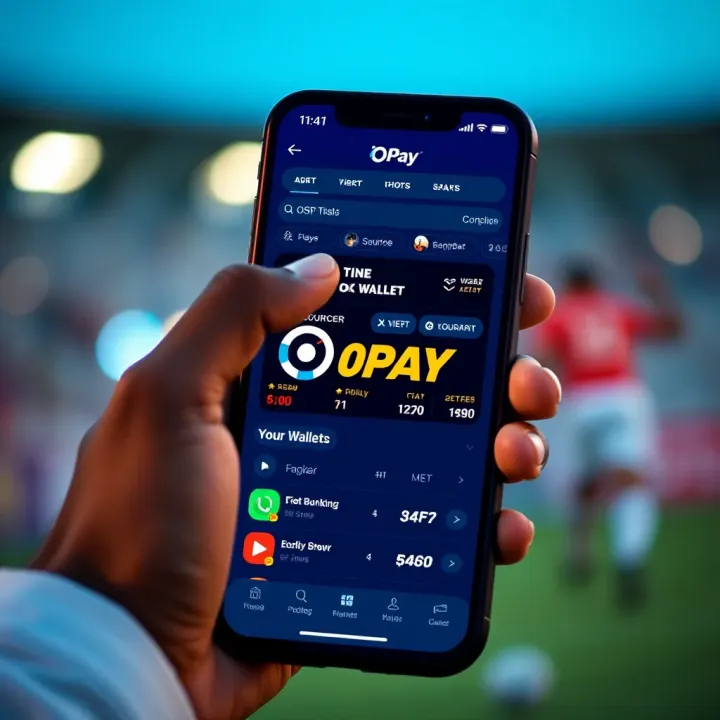
Using OPay to manage your SportyBet transactions in Nigeria makes betting easier and faster. OPay, a popular fintech with millions of Nigerian users, offers a safe and convenient way to fund your SportyBet wallet, deposit stakes, and withdraw winnings without unnecessary delays. This setup suits young professionals, students, and traders who want quick access to betting services.
OPay's mobile platform and app provide straightforward options to link your account with SportyBet. Once connected, you can easily transfer funds for betting activities, avoiding the hassle of traditional bank transfers or cash payments. It saves time, especially given the often unpredictable power supply and internet challenges across many Nigerian cities.
Speed: Deposits and withdrawals process quickly, unlike some bank options that take hours or days.
Accessibility: You can fund your account with as low as ₦100, fitting for students or small-scale bettors.
Security: OPay’s wallet uses encryption and verification codes to protect your money.
Convenience: No need to visit banks or ATMs; everything is handled from your phone.
Before you start, ensure your OPay account is verified with your Bank Verification Number (BVN) and linked to your phone number registered on SportyBet. This prevents transaction failures and safeguards your funds.
Remember, Nigeria’s Central Bank guidelines require all fintech transactions to comply with know-your-customer rules, so proper verification is essential.
Download the OPay app from your app store and register using your Nigerian phone number.
Verify your identity by submitting your BVN and completing the facial recognition as directed.
Log in to your SportyBet account via the app or website.
Find the deposit section, select OPay as your payment method.
Enter the amount you want to deposit and confirm the transaction using the OPay app.
Once done, your SportyBet wallet will reflect the balance almost immediately, allowing you to place bets without interruption. Withdrawals follow a similar process, where winnings transfer back to your OPay wallet to be used or cashed out at convenience.
This straightforward integration of OPay and SportyBet eliminates many barriers Nigerian bettors face daily, such as slow banking networks and limited access to credit. With OPay, the entire transaction cycle gets smoother, letting you focus on your bets and enjoy the experience responsibly.
Getting a clear grasp of what SportyBet and OPay represent in Nigeria is key to making the most out of your betting experience. These platforms are intertwined, offering convenience, speed, and security for betting transactions. Knowing how each works individually and together can save you time and reduce errors during deposits and withdrawals.
SportyBet is one of Nigeria's prominent online sports betting platforms. It offers various betting options, including football leagues, basketball, boxing, and even virtual sports. This variety appeals to many users who want to try different betting strategies without leaving the app.
Moreover, SportyBet often provides live betting features, allowing punters to place bets during ongoing games. This option is especially useful for those who follow local and international matches closely and want to react quickly to the game's developments.
On the popularity front, SportyBet enjoys a sizeable user base in Nigeria. It's known for its user-friendly interface and reliable payout system, attracting young professionals, market traders, and students alike. Since mobile betting is more accessible today, many Nigerians turn to SportyBet as an easy way to engage with their favourite sports and possibly earn some extra cash.
OPay started as a mobile payments solution and has grown into a full-fledged fintech ecosystem offering services like wallet management, bill payments, and ride-hailing on top of its payment gateway. It has become a critical player in Nigeria’s fintech space by providing simple, fast, and secure ways to manage money, especially for the unbanked and underbanked population.
The importance of mobile payments like OPay in Nigeria cannot be overstated. With intermittent power supply and limited banking infrastructure in some areas, mobile wallets have stepped up as a critical alternative. For example, market traders and service workers rely on OPay to complete transactions without needing to visit a bank or carry cash.
Using OPay simplifies SportyBet transactions, letting users deposit and withdraw funds instantly from their mobile phones. This ease encourages responsible betting since funds are easier to track and manage.
In a country where smartphone penetration continues to rise and digital payment adoption accelerates, platforms like OPay help bridge gaps, making everyday financial activities smoother and more accessible.
Linking your OPay wallet to SportyBet streamlines your betting experience by enabling quick deposits and withdrawals. This step is essential to avoid transaction delays and ensure your funds move smoothly between platforms. For users who regularly place bets, having OPay directly connected to SportyBet saves time, allowing you to focus on gameplay rather than payment hassles.
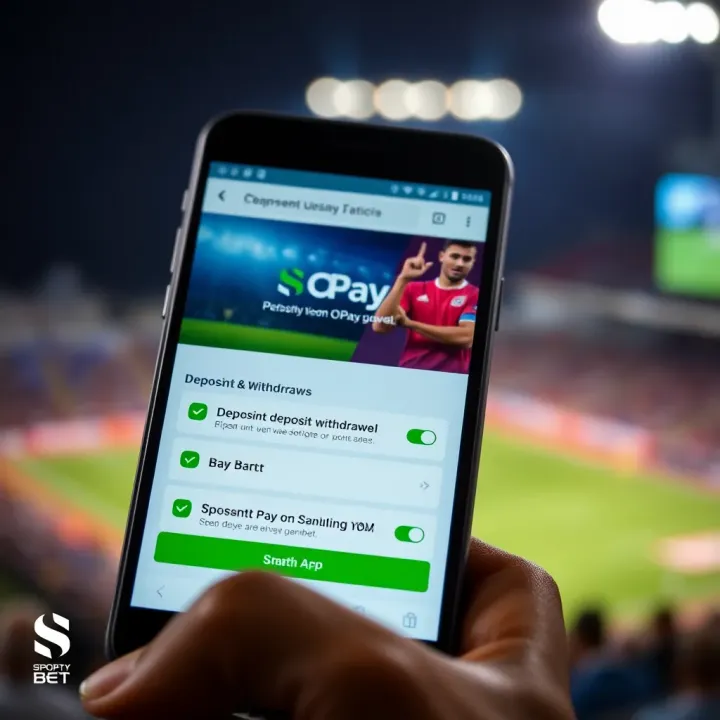
Registering on SportyBet requires providing basic personal information, including your full name, phone number, and email address. The platform enforces Know Your Customer (KYC) compliance, meaning you'll need to verify your identity by uploading a government-issued ID such as your National Identity Number (NIN), driver's licence, or international passport. This measure safeguards your account and aligns with Nigerian regulations aimed at preventing fraud.
Once registered, logging into your account is straightforward. You choose a secure password and update account settings like notification preferences and security questions. Keeping these details updated helps protect your account, especially when linked to OPay, where security is paramount.
To start using OPay, download the official app from either Google Play Store or Apple App Store. Registration requires your mobile number and a verification code sent via SMS. Since OPay supports multiple payment options, registering properly ensures you can fund your wallet effortlessly.
After registration, link your preferred payment methods such as bank cards or USSD codes to your OPay wallet. Funding your wallet can be done via bank transfer, USSD, or by depositing cash at OPay agents. Maintaining sufficient balance is key to avoiding failed transactions when placing bets on SportyBet.
To add OPay as a payment option within SportyBet, navigate to the wallet or payments section after logging in. Select OPay from the list of available options and enter your registered OPay phone number or wallet ID. SportyBet will then send a verification prompt to your OPay account to confirm the link.
After connecting, verify the payment link by performing a small test transaction or deposit. This confirmation step helps ensure the integration is successful and that your deposits will reflect instantly when you fund your SportyBet wallet using OPay. This avoids the frustration of delayed bets caused by broken payment links.
Connecting OPay to your SportyBet wallet not only makes transactions seamless but also protects your funds, offering you a smoother betting journey.
By following these steps, Nigerian bettors can enjoy hassle-free deposits and withdrawals, making their betting experience on SportyBet both swift and secure with OPay as a trusted payment partner.
Using OPay for deposits and withdrawals on SportyBet offers great convenience, especially for Nigerian users who prefer quick, secure, and seamless mobile transactions. Since SportyBet operates heavily through digital wallets, being able to fund your account or withdraw winnings directly via OPay saves you from dealing with the common hassles of bank transfers or cash payments. This method suits the fast-paced life of young professionals, market traders, and students who need swift access to funds without delays.
OPay allows users to fund their SportyBet wallets mainly through its mobile app, which supports multiple local payment channels. You can link your OPay wallet to your Nigerian bank account or fund it with cash at OPay agent points scattered in most cities, making it practical regardless of your location. Deposits can also be made by using debit cards registered with your OPay account. This variety ensures flexibility; for example, a market trader in Lagos can quickly top up via a nearby OPay agent without visiting a bank.
To deposit funds from OPay into your SportyBet wallet, first open the SportyBet app and navigate to the deposit section. Select OPay as your deposit option, enter the amount you wish to fund, and confirm. You will then be redirected to the OPay app or a secure payment page to approve the transaction. After authorising the payment, the funds reflect instantly in your SportyBet wallet, ready for betting. This setup means you don't need to deal with multiple apps at once; the process flows smoothly, saving time and stress.
SportyBet sets daily and monthly withdrawal limits, which vary depending on your account verification level. Generally, lesser-verified accounts might have a daily limit of around ₦50,000, while fully verified users can withdraw much higher amounts, sometimes up to ₦500,000 or more. Withdrawals through OPay are usually processed within 24 hours, though occasional delays during ember months or weekends may occur due to system overload or regulatory checks.
To withdraw your SportyBet winnings, head to the withdrawal section on SportyBet, choose OPay as your preferred payout method, and specify the amount. Ensure your OPay account is properly linked and verified to avoid delays. Once you confirm, SportyBet processes the request, and the money gets sent directly to your OPay wallet. From there, you can use the funds for daily transactions, transfer to your Nigerian bank account, or pay bills via the OPay app. This direct link eliminates the need for third-party intermediaries, reducing costs and turnaround time.
Managing your SportyBet deposits and withdrawals through OPay provides a reliable, quick route for handling betting funds while ensuring you stay in control of your money at all times.
When using OPay for your SportyBet transactions, keeping best practices and safety measures in mind saves you stress and potential loss. This section highlights how to protect your accounts and bet responsibly, making your experience smoother and more secure.
Protecting your OPay and SportyBet credentials is vital. Treat your login details like you would your ATM PIN or BVN. Avoid saving passwords on shared devices, especially internet cafes or public smartphones. Change your passwords regularly and use a strong mix of letters, numbers, and symbols. For instance, if your OPay app or SportyBet account gets hacked, it could lead to unauthorised bets or withdrawals, costing you real money.
Also, activate two-factor authentication (2FA) where available. This adds an extra layer of security by requiring a code sent to your mobile before logging in. It reduces the chance that someone could easily access your accounts even if they guess your password.
Recognising and avoiding scams is another essential skill. Scammers often pose as SportyBet or OPay officials, asking for your login information or directing you to fake websites that look genuine. Remember, neither SportyBet nor OPay will ever request your password or PIN directly via messages or calls.
Be cautious when clicking links in emails or SMS, especially if they urge immediate action like verifying your account or confirming payments. Always double-check the sender's contact details. If in doubt, contact the official SportyBet support or OPay customer care directly through their apps or websites.
Managing your betting budget is crucial to avoid overspending. Set aside a specific amount for betting that won’t affect your essentials, like food or transport. For example, if you earn ₦50,000 monthly, allocating just ₦5,000 for betting makes your stakes manageable and reduces financial pressure.
Keep track of your bets by noting wins and losses. This habit helps you understand your betting patterns and prevents you from chasing losses, a common trap where people bet more to recover lost money.
Using limits and self-exclusion features offered by SportyBet can help keep betting in check. You can set daily or weekly deposit limits to control how much money enters your betting wallet. If you feel betting is becoming a problem, self-exclusion tools allow you to block access to your account for a chosen period, giving your mind space to reset.
Sticking to sound safety tips and betting responsibly protects you from fraud and financial trouble, ensuring that your betting experience stays fun and secure.
Overall, understanding these security measures and budgeting tactics makes OPay transactions with SportyBet safer and more manageable. Always remember, smart betting starts with protecting your money and yourself.
Getting stuck with payment problems while using OPay for SportyBet can be frustrating, especially when you want to place bets quickly or withdraw your winnings. Knowing how to troubleshoot common issues ensures you don’t lose time or money because of avoidable glitches. This section sheds light on why such problems happen and what you can do immediately to resolve them.
Causes of declined transactions usually boil down to a handful of common issues. Sometimes your OPay wallet might have insufficient funds due to recent spending or delays in topping up, which leads to automatic declines when trying to fund SportyBet. Another factor could be network connectivity interruptions during the transaction process, causing incomplete payment initiation or timeout errors. Also, restrictions like daily transaction limits or spending blocks set by OPay or your bank might prevent successful transfers. For example, if your OPay account hits its daily transaction cap, a deposit to SportyBet will get rejected until the limit resets.
There are also cases where incorrectly entered payment details, such as wrong wallet numbers or reference codes, cause the system to reject the transaction. Technical glitches between SportyBet’s platform and OPay’s system sometimes lead to temporary failures, too. Being aware of these causes helps you pinpoint what went wrong and take the right corrective step.
Steps to fix payment problems begin with verifying your OPay wallet balance and ensuring it covers the intended deposit amount plus any transaction fees. Then, check your internet connection to avoid interruptions during payment. If you’re unsure about wallet limits, you can review your account settings or contact OPay for clarity on daily and monthly transaction caps.
Next, carefully re-enter the payment details on SportyBet, confirming wallet numbers or any reference codes match exactly. If a deposit fails repeatedly, try logging out and back into both apps to refresh your connection. Also, clearing cache or updating to the latest app version could fix bugs affecting transactions. If all else fails, wait a short while before trying again to allow server-side issues to resolve or proceed to reach out for help from customer service.
When you hit a wall, reaching SportyBet support directly is often the fastest way to sort out issues. SportyBet provides live chat and email options on their platform, where you can explain your problem clearly—whether a payment hasn’t reflected or a withdrawal is delayed. They can verify your transaction status and guide you through special steps specific to your account or recent activity. For example, if an OPay deposit is stuck, SportyBet may require transaction references or screenshots to investigate.
The practical approach is to keep any payment confirmation codes and account details handy when contacting support. This saves time and ensures your inquiry is handled precisely. SportyBet usually responds promptly during business hours; however, patience may be needed during peak sports events when demand spikes.
On the other side, getting help from OPay customer service is essential if the problem seems to stem from the wallet side, such as failed transfers, wallet restrictions, or app errors. OPay has helplines and in-app support chat where you can report difficulties. Be ready to provide your wallet ID, transaction history, and error messages. Their team can check account flags, resolve glitches, or update you on known outages.
For persistent issues, submitting a formal complaint through OPay’s official channels ensures your case gets tracked and resolved. Remember, good communication with both SportyBet and OPay support teams often leads to faster resolution, so do not hesitate to reach out when payment troubles arise.
Troubleshooting quickly not only saves your betting momentum but also protects you from losing funds to technical errors. Always check basic issues first before escalating to support.
🎯 Learn how to log into Sportybet safely in Nigeria, manage your account, fix login issues, explore features on mobile or desktop, and bet responsibly today!
📲Get the latest SportyBet Nigeria app easily. Learn installation tips, device support, registration, secure betting, and how to stay updated for smooth gaming fun!⚽

🎉 Discover how to use Spin and Win on SportyBet for extra rewards in Nigeria. Learn eligibility, tips, security, and smooth withdrawals for your ₦ bets.
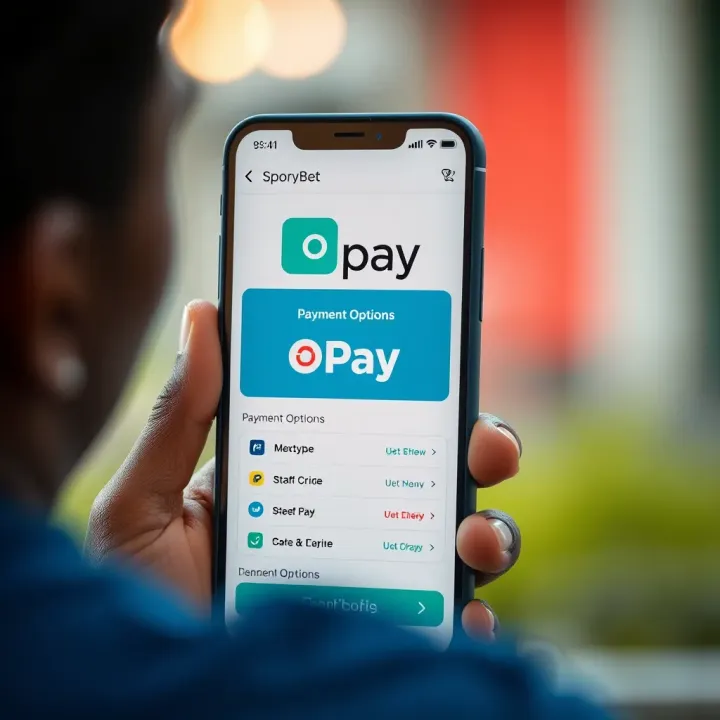
Learn how to deposit on SportyBet using OPay quickly and safely. Get step-by-step instructions, solve common issues, and enjoy smooth betting with ₦ funds. 💰📲
Based on 6 reviews